Brand assets
Logos and marks for partners & integrators
Download SVG files for apps, docs, and press. All marks are public-domain or freely licensed — see credits below.
Linx marks
The face outline is the default header mark. The color face is used for the browser favicon.
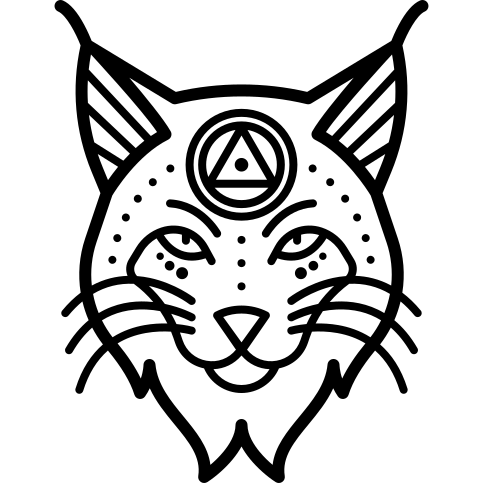
Face outline
Default UI mark — headers and app chrome. Favicon uses the color face.
Download SVGlogo-lynx.svg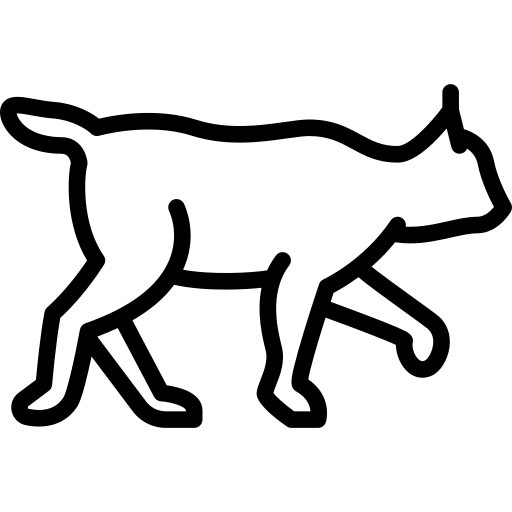
Walking outline
Full-body mark when a horizontal silhouette fits better.
Download SVGlogo-lynx-walking.svg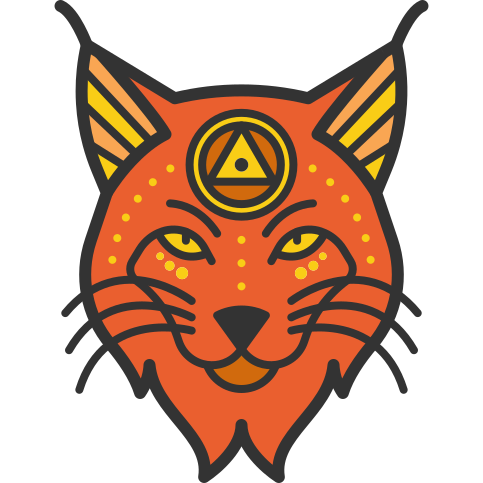
Color face
Marketing accents, splash screens, favicon, and warm hero treatments.
Download SVGlogo-lynx-face-color.svg
Illustration
Full-body art for editorial layouts and About-style pages.
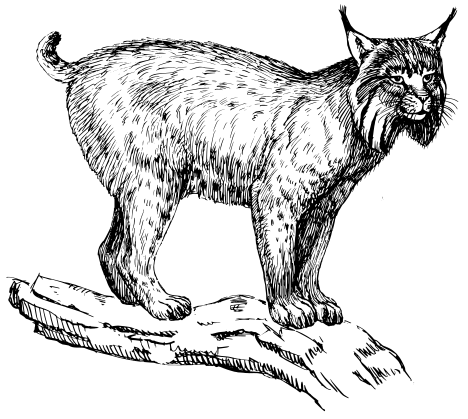
Seated lynx illustration
Editorial and About-style hero art — pairs with the face mark.
Download SVGlynx-full.svg
Usage
- Keep clear space around the mark equal to at least the height of one ear tuft.
- Do not stretch, rotate, or add effects to the SVG marks.
- Prefer the face outline on product UI; use the walking or color marks for alternate layouts.
- Pair the mark with the wordmark “Linx Photos” when space allows — do not replace the name with the icon alone in formal contexts.
Wordmark
Linx Photos
Set in the site heading font, bold weight. Use sentence case — not “LINX PHOTOS” or “LinxPhotos” unless required by a platform.